


TEL:0086-20-81277640

 Add To Shopping Cart
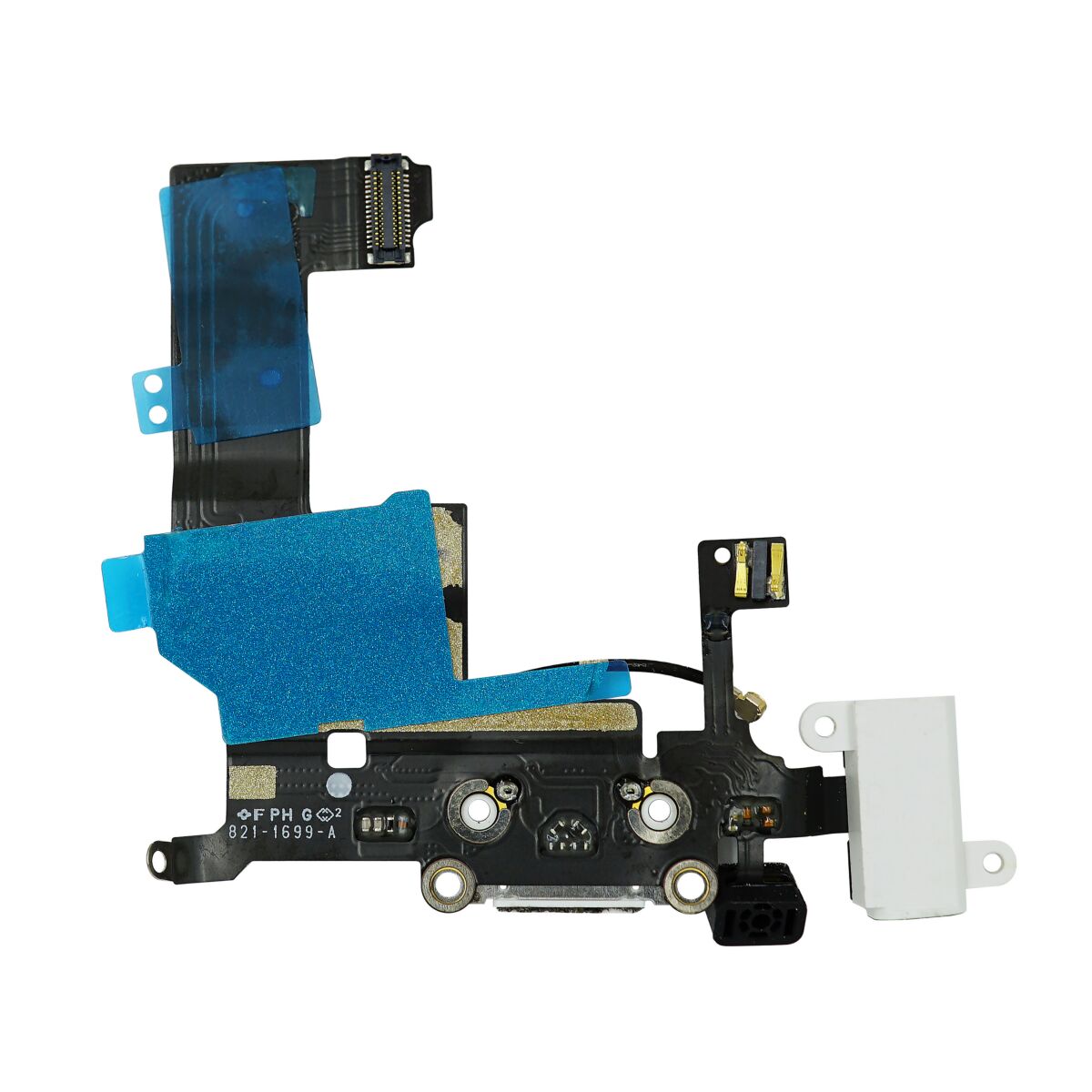
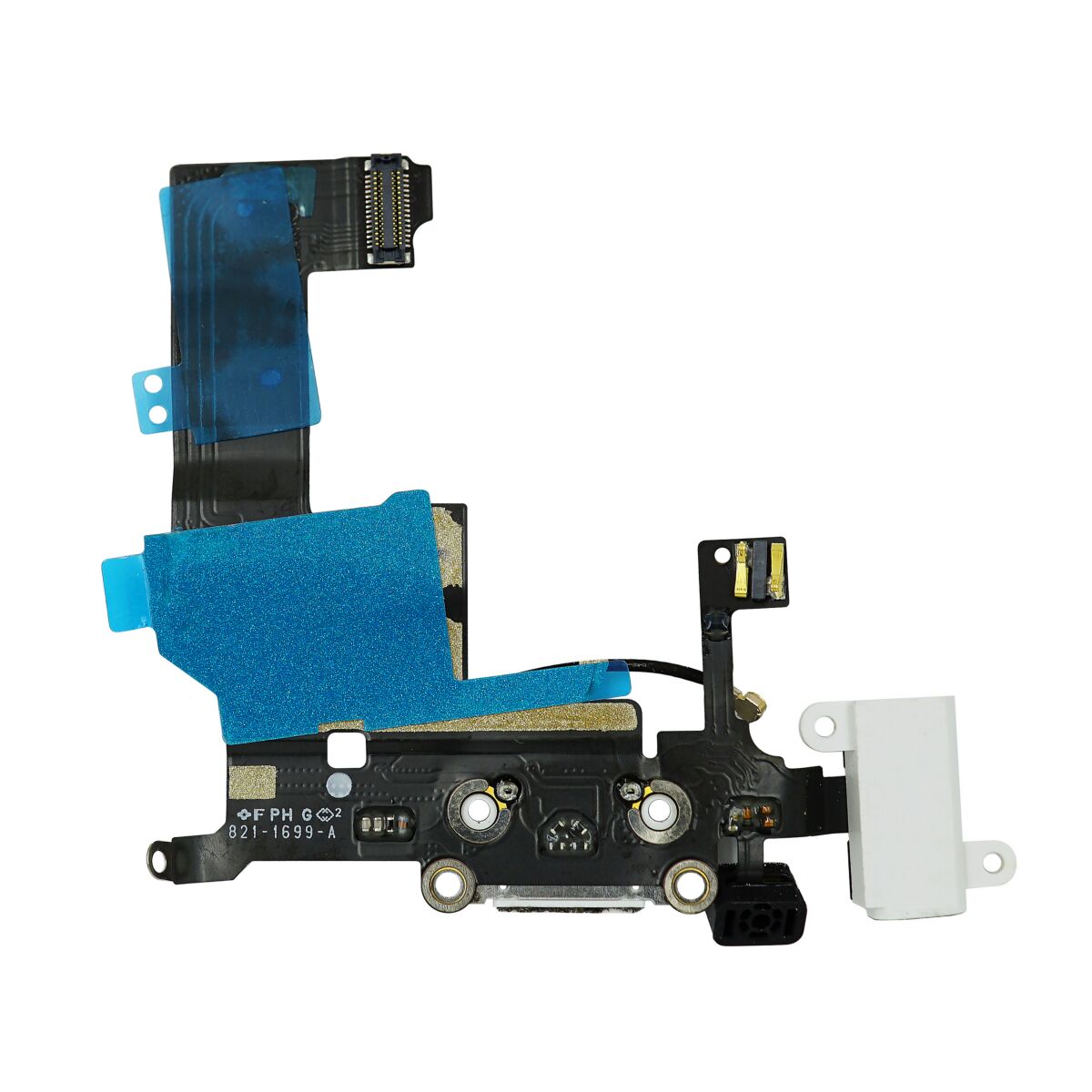
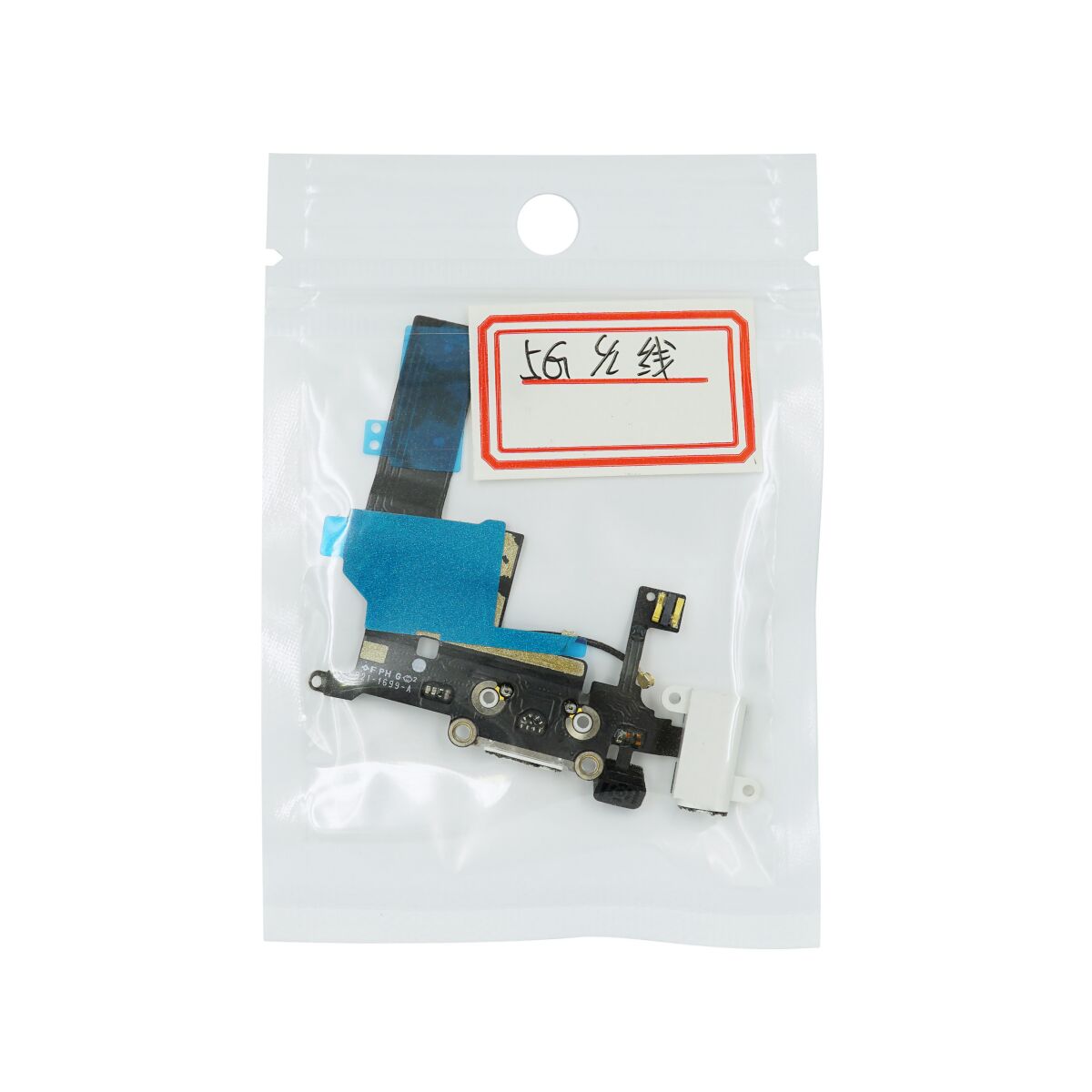
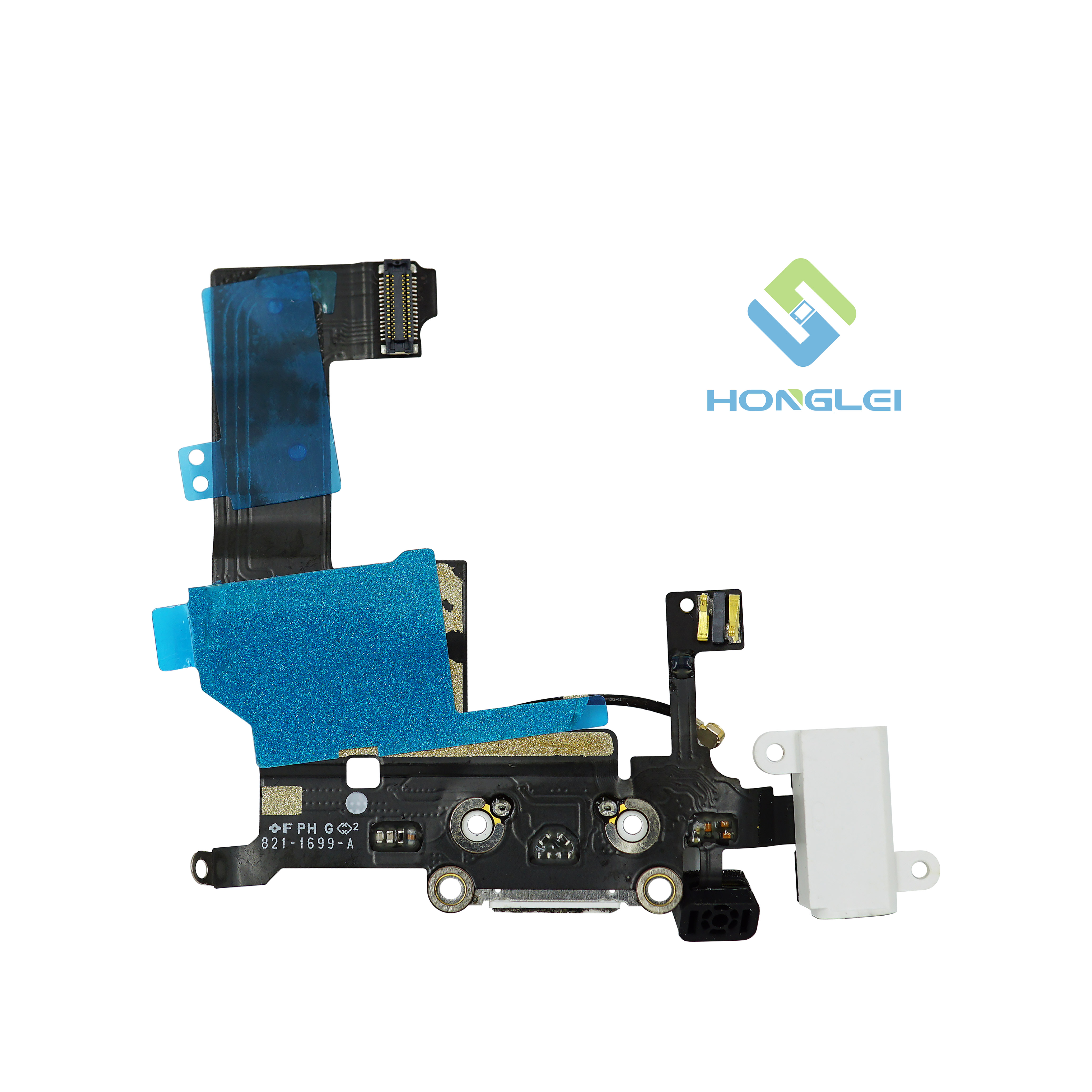
The Lightning connector, headphone jack, and cellular antenna are on a single assembly and must be removed and replaced together.
Remove the following screws securing the Lightning connector and speaker enclosure assembly to the rear case:
One 2.5 mm Phillips screw
Two 3.3 mm Phillips screws
One 2.9 mm Phillips screw
Two 1.5 mm Phillips screws
One 2.8 mm Phillips screw

Use the flat end of a spudger to gently pry the Lightning connector and speaker enclosure assembly cables up from the rear case.
Make sure you get the spudger under the large ribbon cable connected to the assembly. Prying the rest of the assembly away from the cable may result in a tear.


Remove the Lightning connector and speaker enclosure assembly from the rear case.
Take care not to lose the small metal washer on the speaker enclosure, or the four small metal washers beneath the Lightning connector screws.


Gently peel the speaker assembly away from the Lightning connector ribbon cable.
If you are replacing the Lightning connector with a new part, make sure to transfer the rubber casing around the microphone. You can do this using a spudger.


Carefully peel off and remove the grounding cable from the edge of the headphone jack.
Take care not to lose the plastic gasket between the headphone connector and the outer shell. While aligning the headphone connector, make sure to align this gasket correctly.

