


TEL:0086-20-81277640

 Add To Shopping Cart
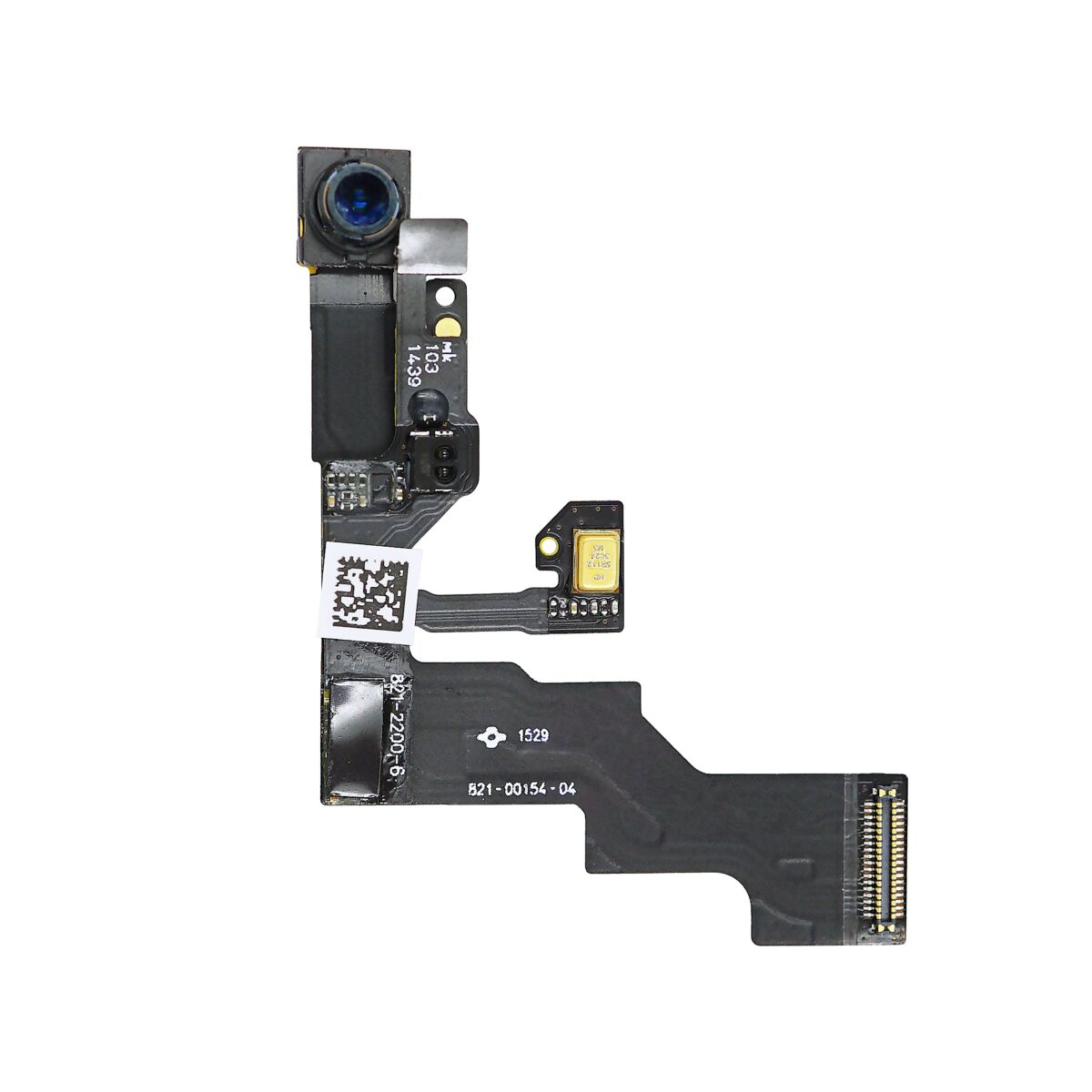
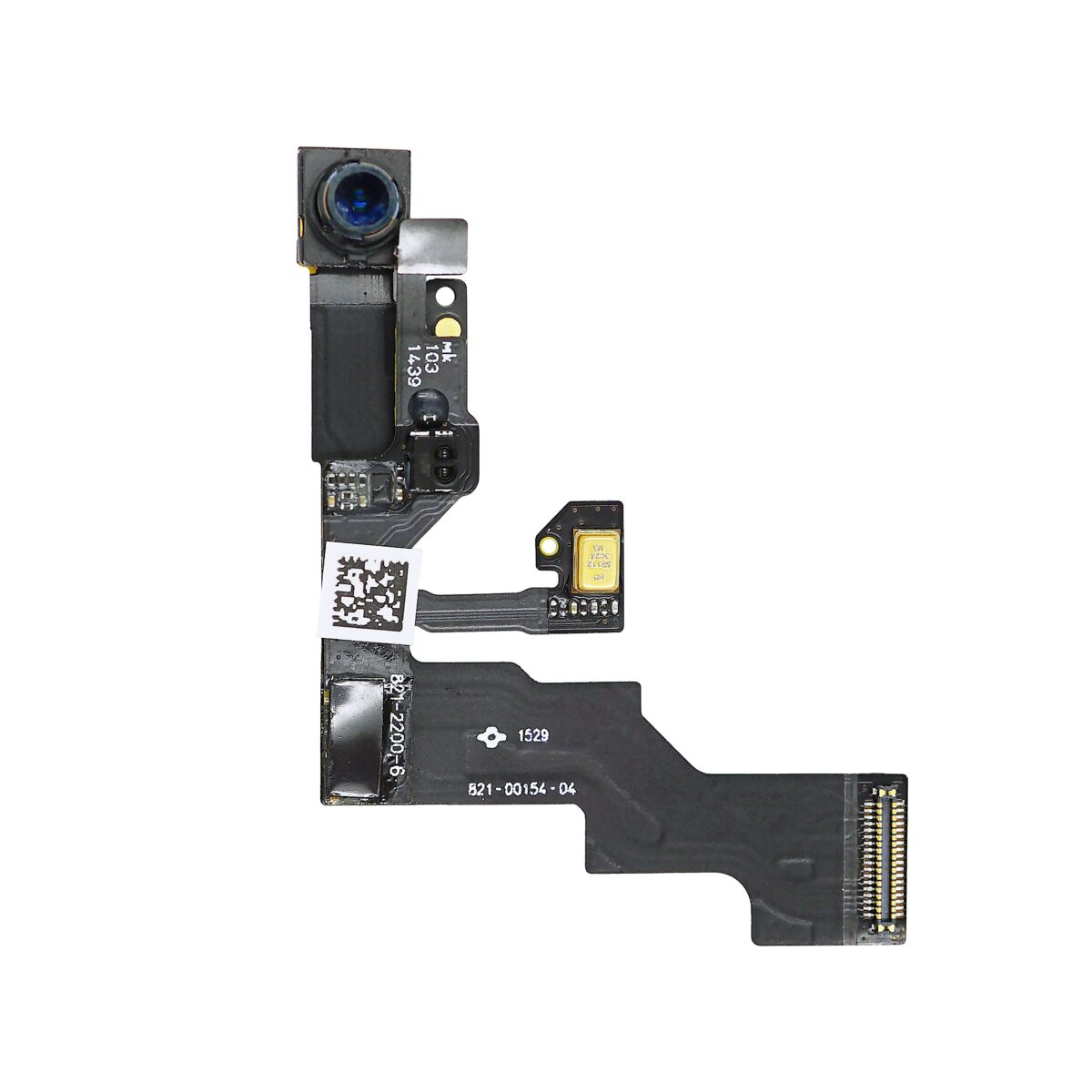
Follow the steps in this guide to replace the FaceTime camera and sensor assembly flex cable in an iPhone 6s Plus.
Remove the following three Phillips screws:
Two 2.7 mm screws
One 1.4 mm screw

Remove the earpiece speaker bracket.


Use the flat end of a spudger to lift the FaceTime camera out of its housing.


Pull the FaceTime camera back and remove the earpiece speaker.


Use the pointed tip of a spudger to lift the ambient light sensor from its housing in the front panel.


Insert the pointed tip of a spudger between the microphone flex cable and the front panel to break the adhesive holding it in place.


Use the flat tip of a spudger to lift up the microphone and earpiece gasket.


Remove the FaceTime camera and sensor assembly.


