


TEL:0086-20-81277640

 Add To Shopping Cart
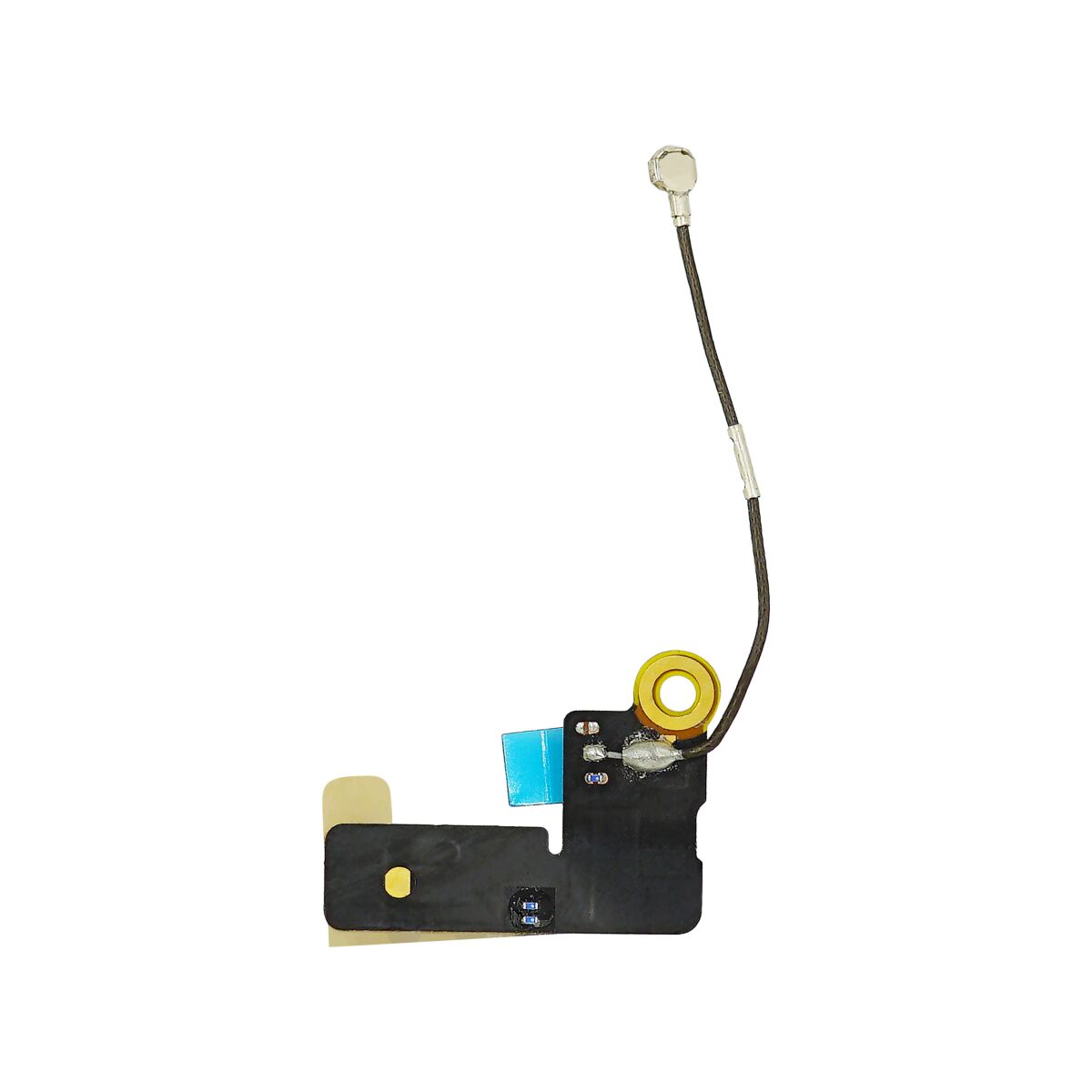
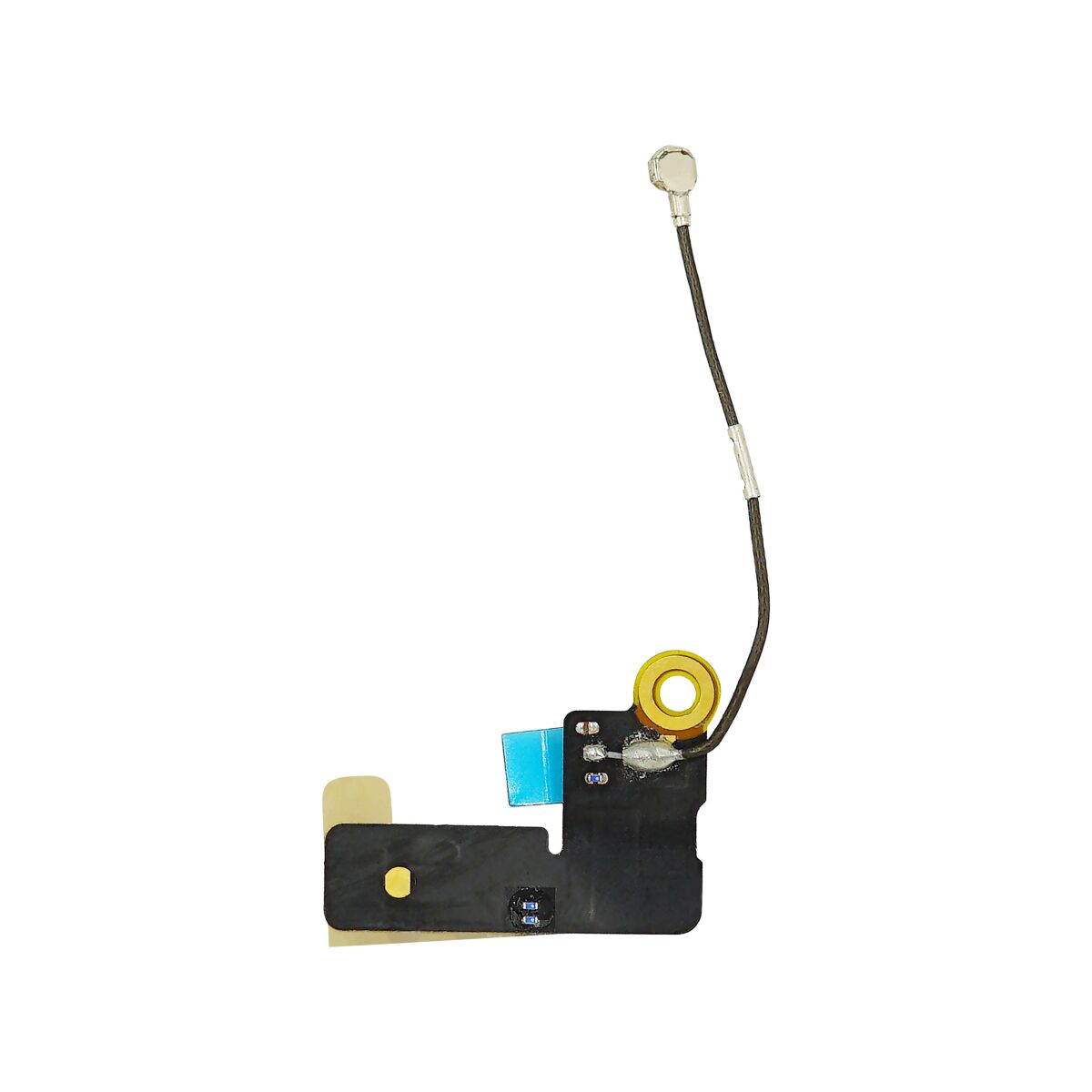
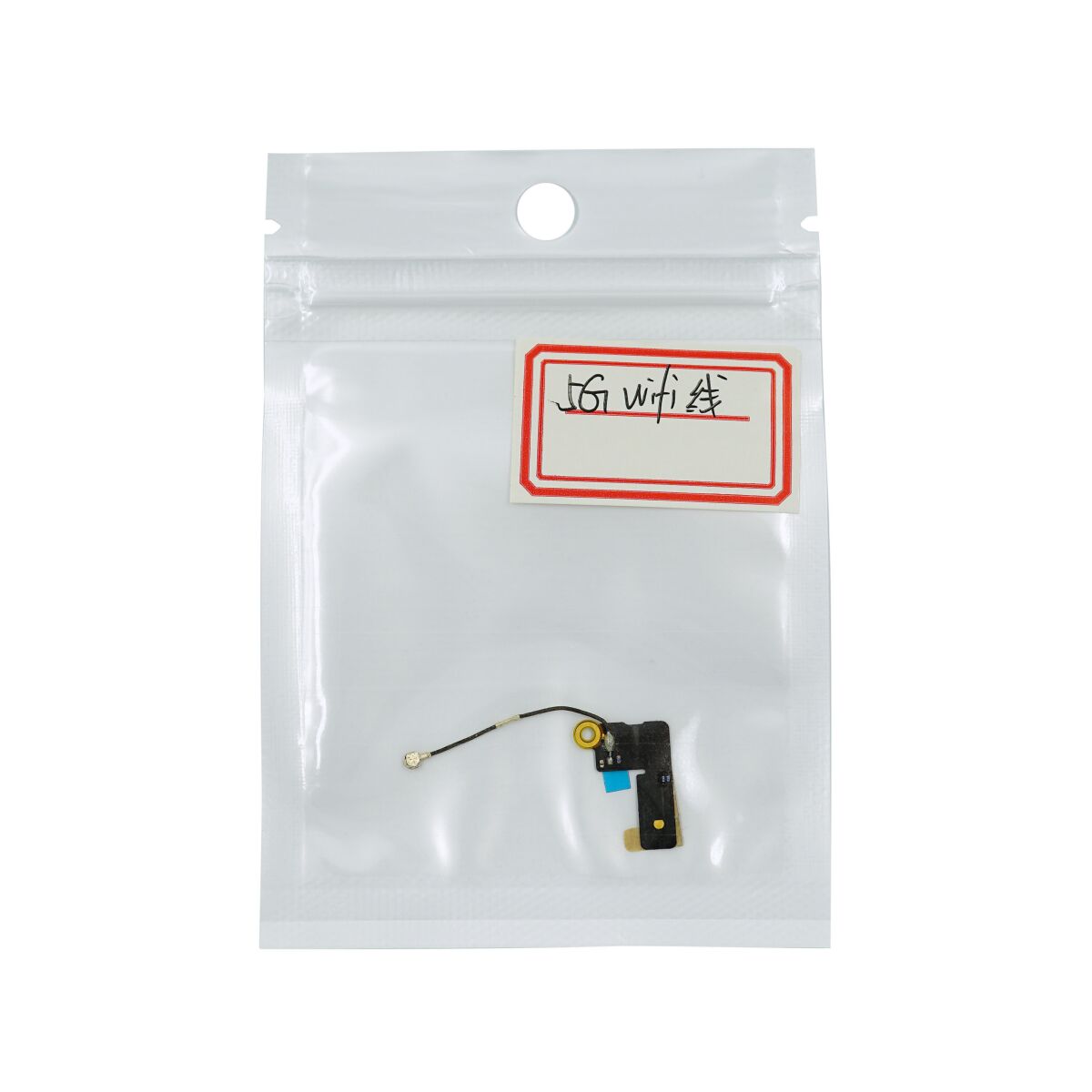
Replace the Wi-Fi antenna in your iPhone 5 to keep your internet access and FaceTime capability.
This is an OEM part.
Remove the following screws securing the logic board to the rear case:
Be sure to put this screw back in its original position at the top of the logic board. A magnetized screw may interfere with the digital compass.
Reassembly hint: when putting the standoffs back in, use the tip of a spudger like a screwdriver to get them started.
These screws have a Phillips bit pattern, but we found the best removal tool to be a 2.5 mm flathead driver.
Two 2.3 mm Phillips screws
Two 2.7 mm standoff screws.
One non-magnetic 2.7 mm standoff screw

Starting under the cable connection, use the flat of a spudger to pry the Wi-Fi antenna up from the rear case.


Remove the Wi-Fi antenna from the rear case.

