


TEL:0086-20-81277640

 Add To Shopping Cart
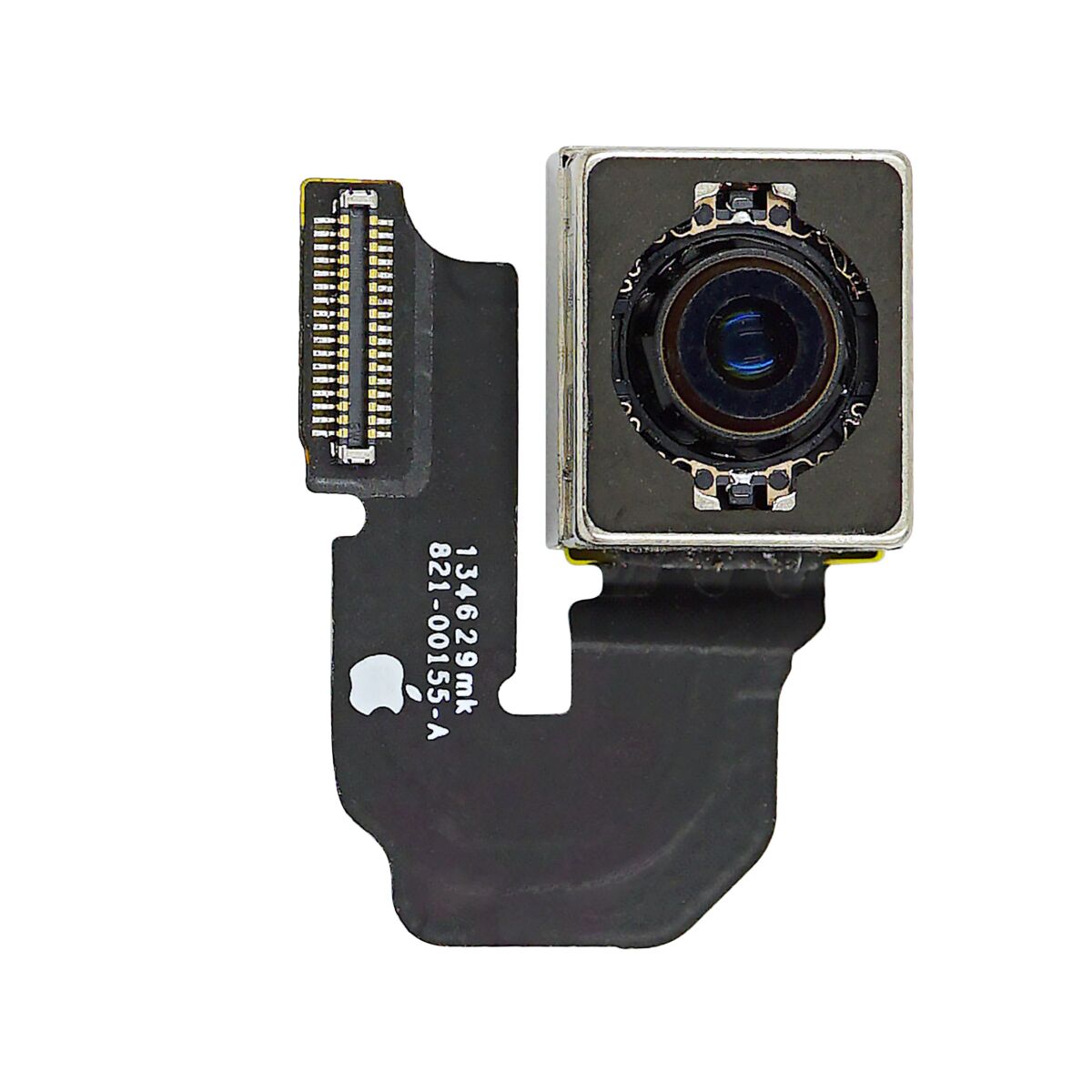
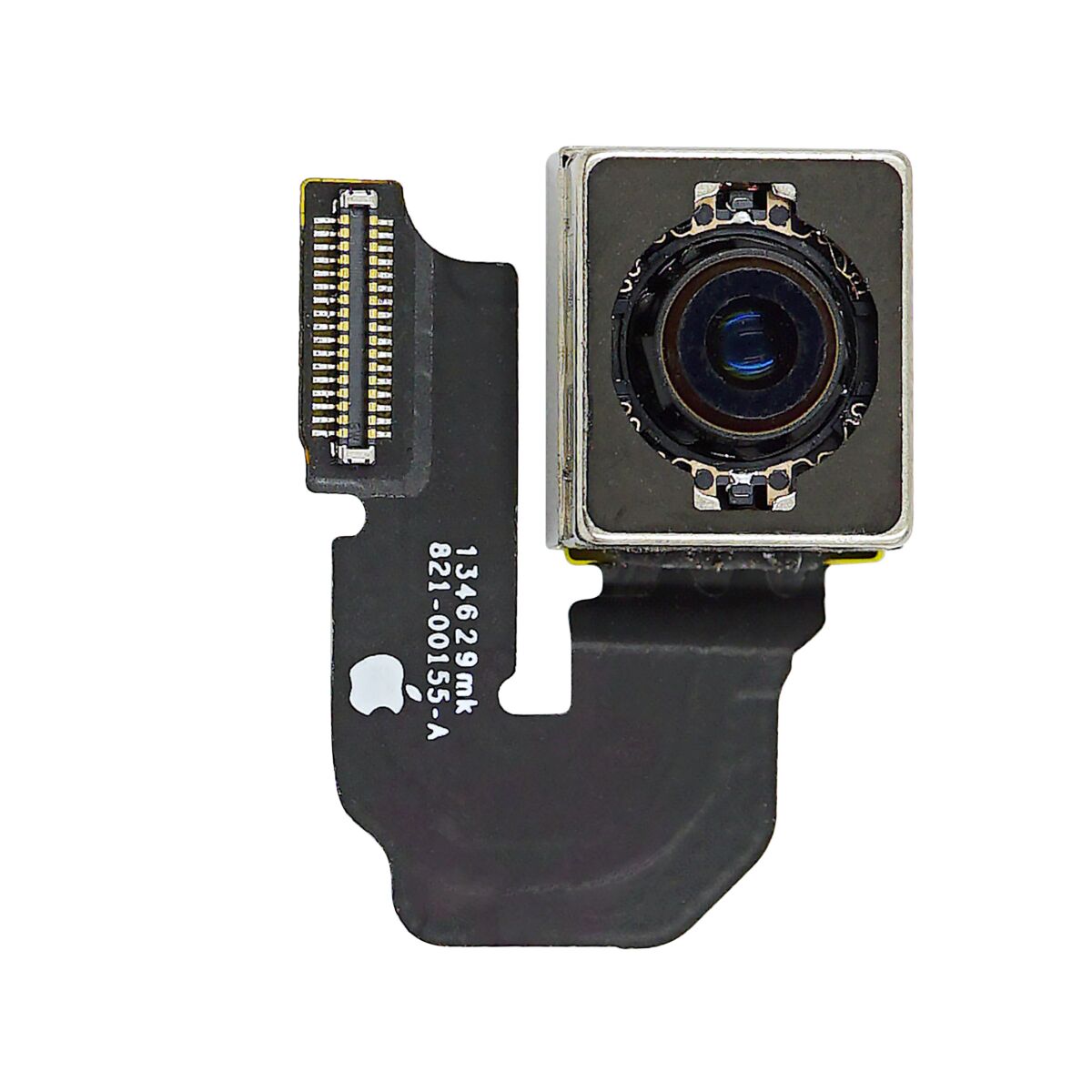
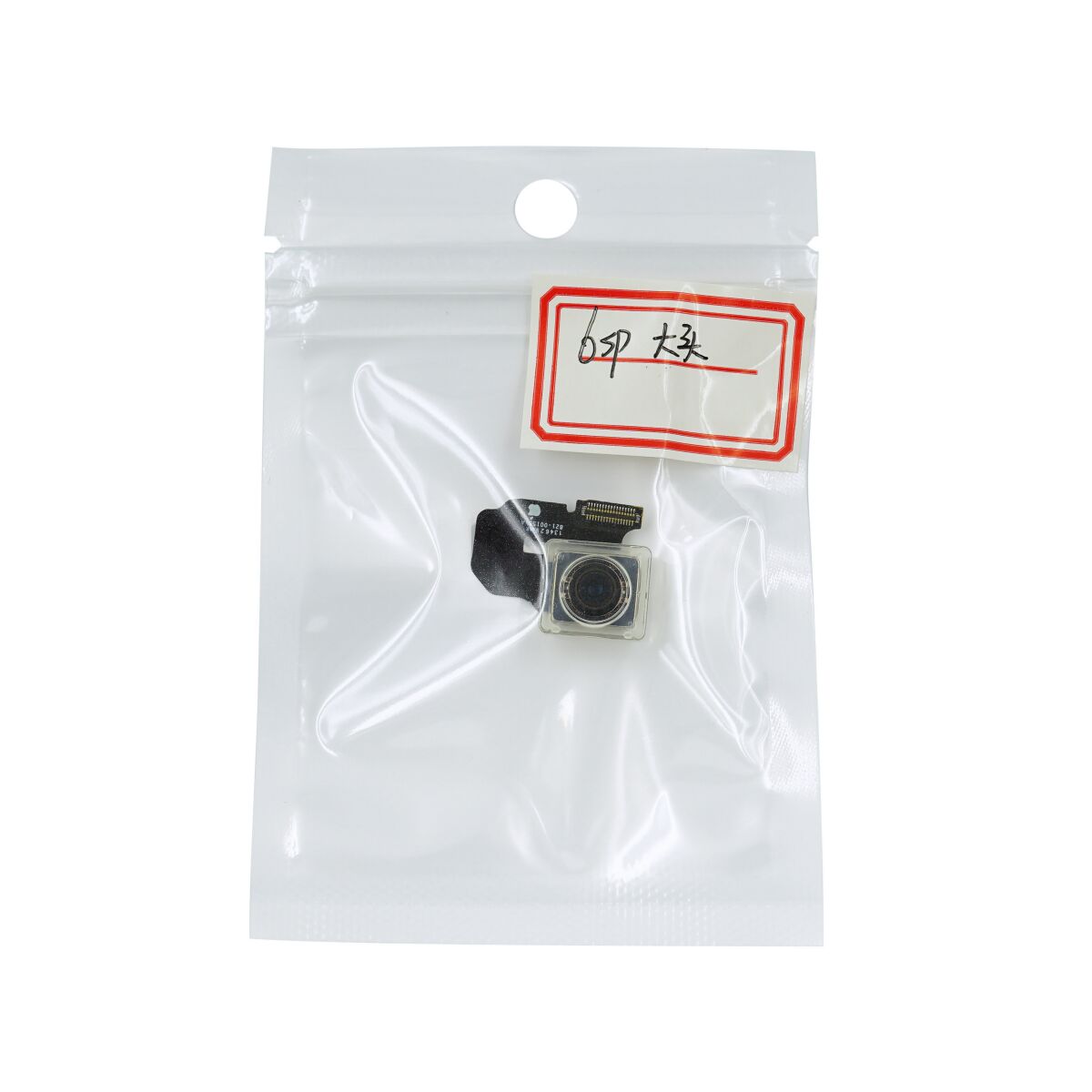
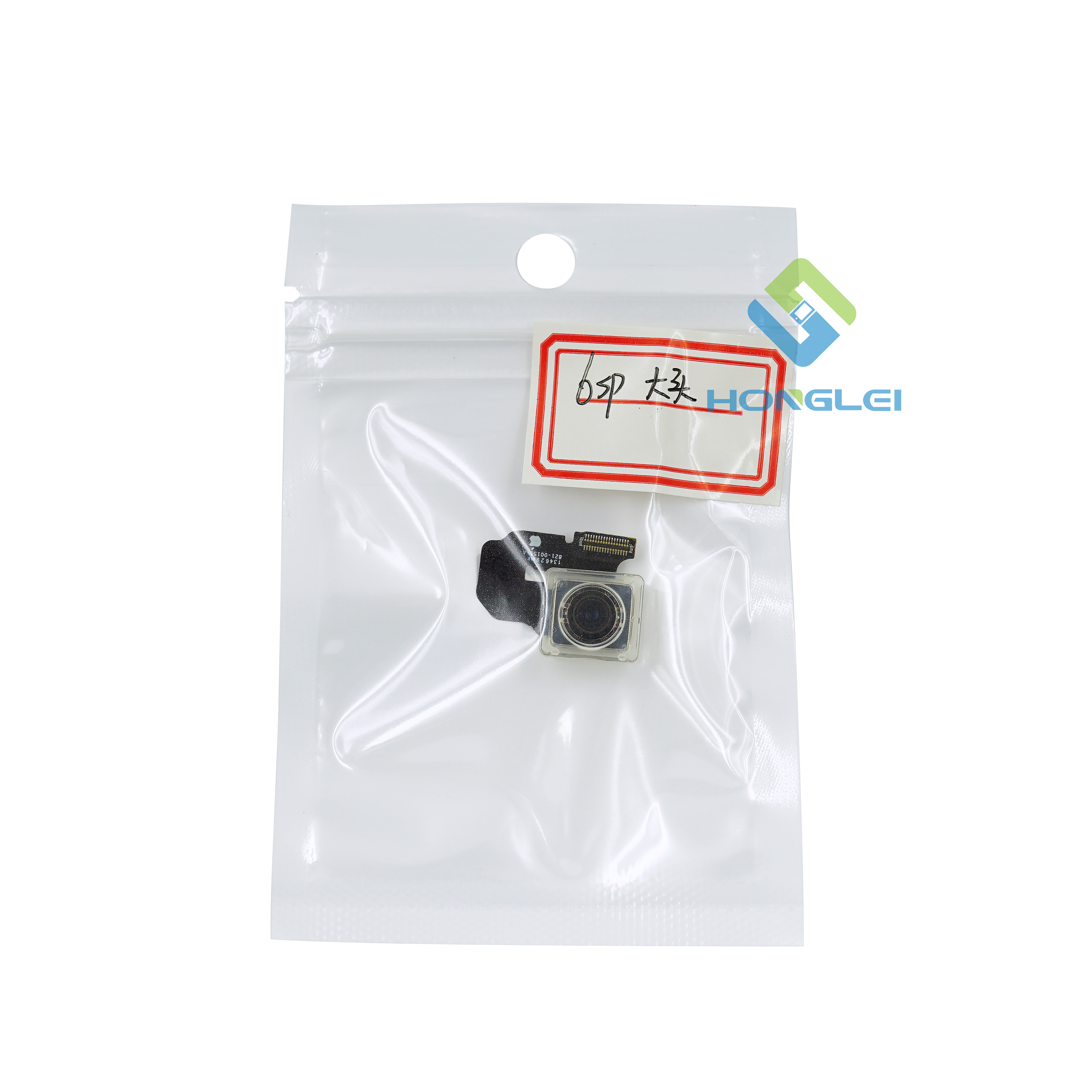
Replace the main 12 megapixel camera for the iPhone 6s Plus.
If your photos look like you have a scratched lens, this part may not solve your issue. The lens opening in your rear case may be scratched.
Peel up any tape covering the iSight camera bracket screws.


Remove the following Phillips screws over the camera bracket:
One 1.9 mm screw
One 2.4 mm screw

Remove the iSight camera bracket.


Disconnect the iSight camera connector from its socket on the logic board.
Be sure to pry up only the connector and not the socket on the logic board.


Insert the flat end of the spudger between the iSight camera and rear casing.
Gently pry the camera out from its housing.


Remove the iSight camera.


