


TEL:0086-20-81277640

 Add To Shopping Cart
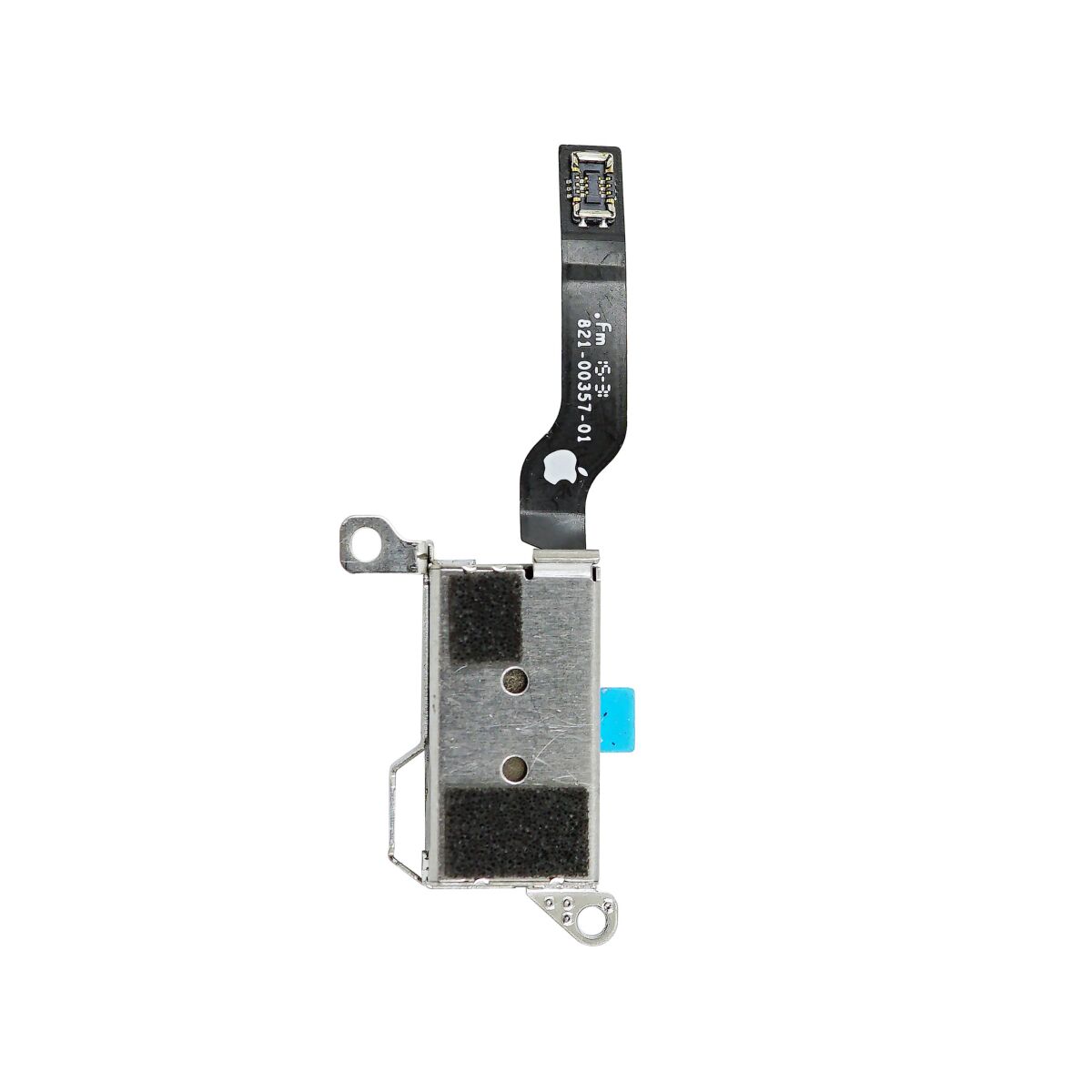
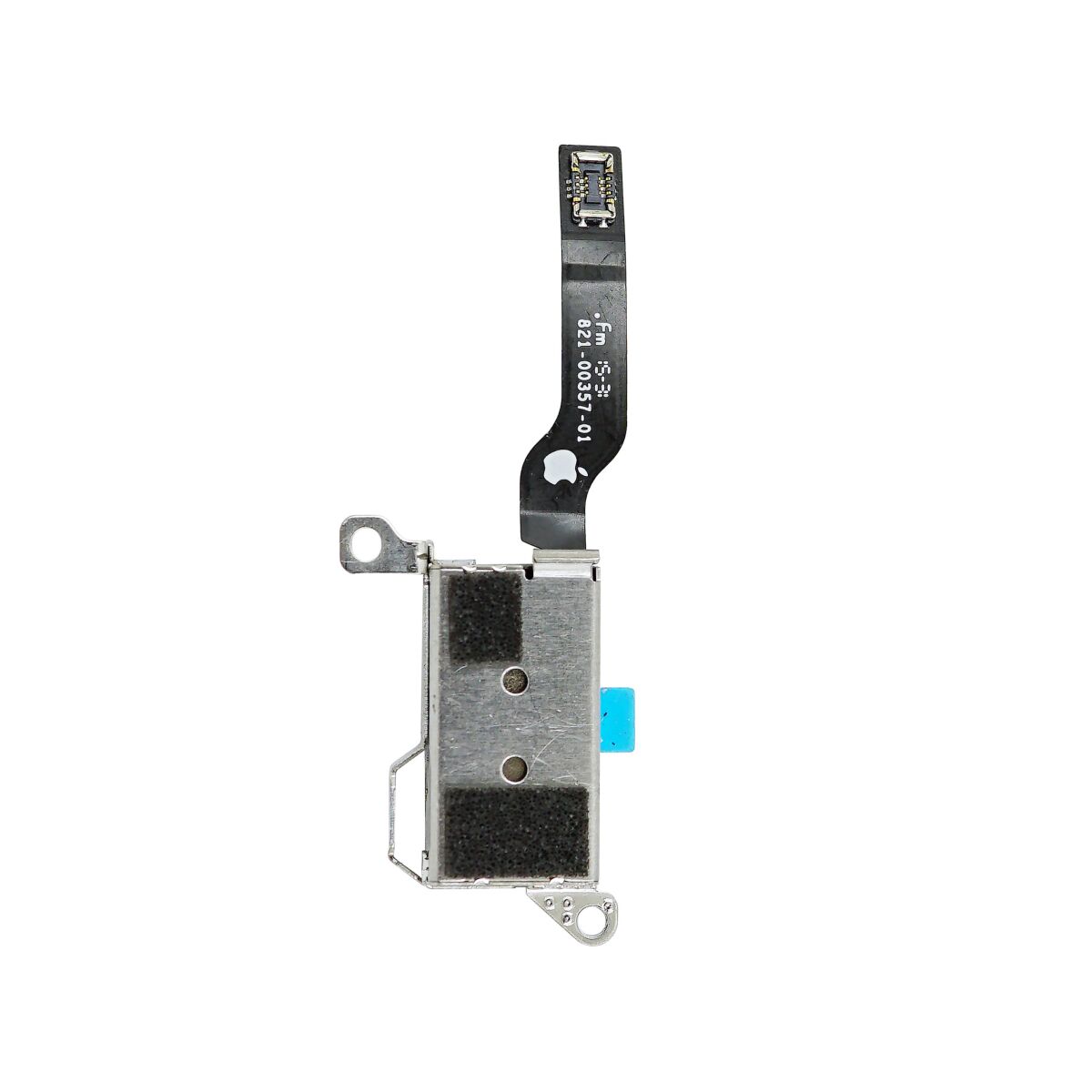
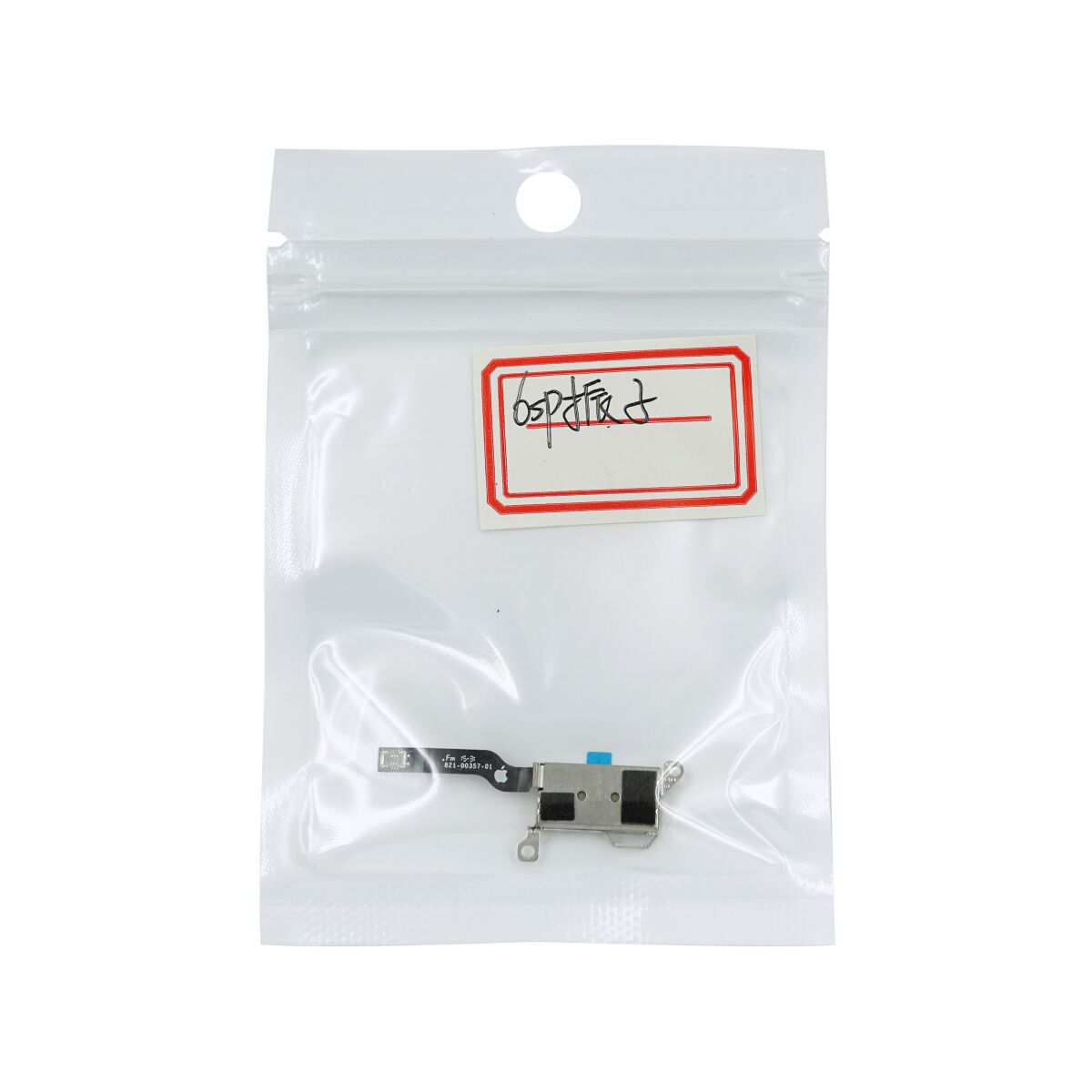
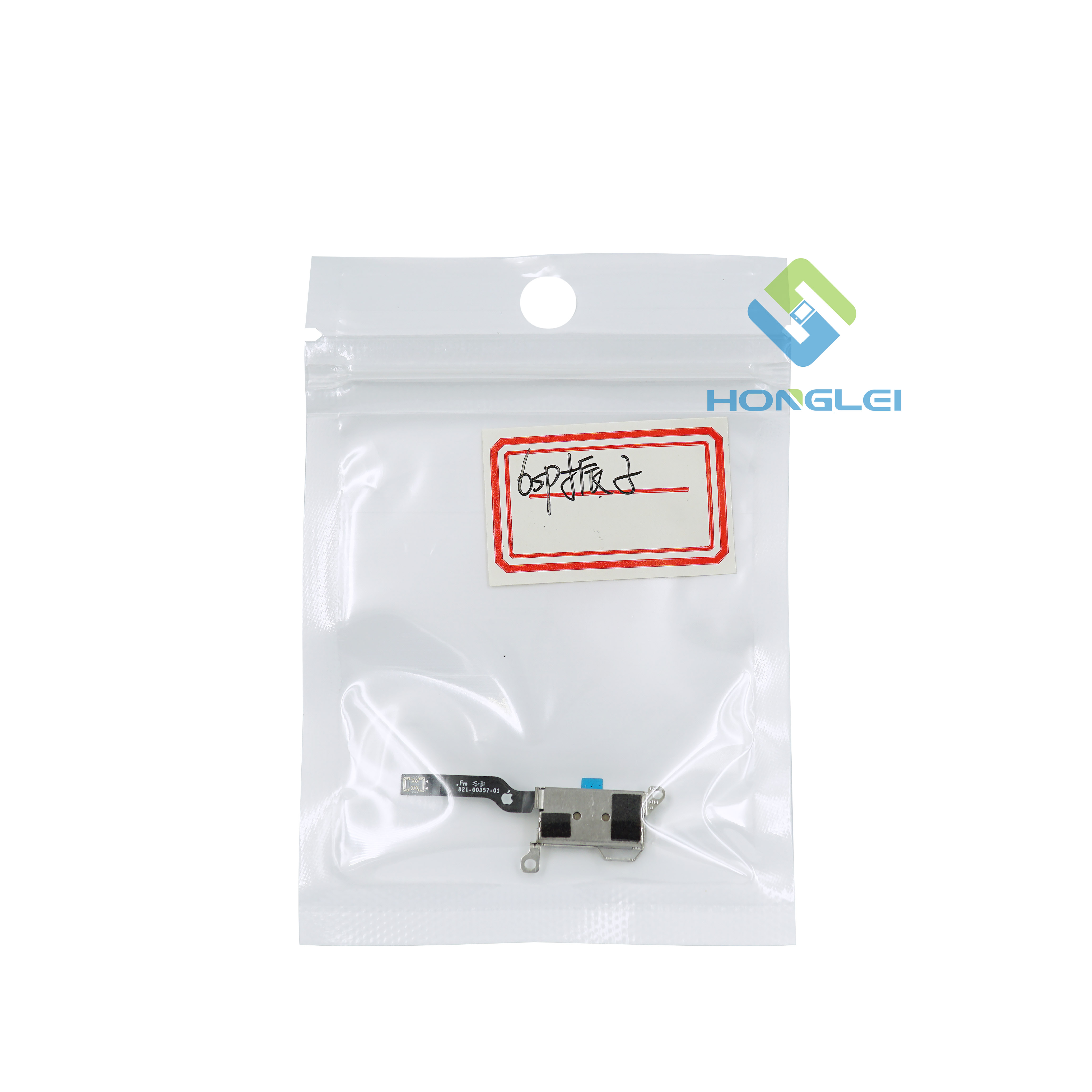
Replace the iPhone 6s linear oscillating vibrator.
Remove the following Phillips screws securing the battery connector bracket to the logic board:
One 2.9 mm screw
One 2.3 mm screw

Remove the battery connector bracket.


Use a spudger or a clean fingernail to disconnect the battery connector by prying it straight up off the logic board.


Bend the connector back to ensure it doesn't make contact and power the iPhone on while you're working on it.


Remove the following Phillips screws over the Taptic Engine cable bracket:
Two 3.5 mm screws
One 2.7 mm screw

Remove the Taptic Engine cable bracket.


Disconnect the Taptic Engine's flex cable from the socket on the Lightning Connector flex cable.


Remove the following two Phillips screws:
One 3.1 mm screw
One 2.1 mm screw

Remove the Taptic Engine.


