


TEL:0086-20-81277640

 Add To Shopping Cart
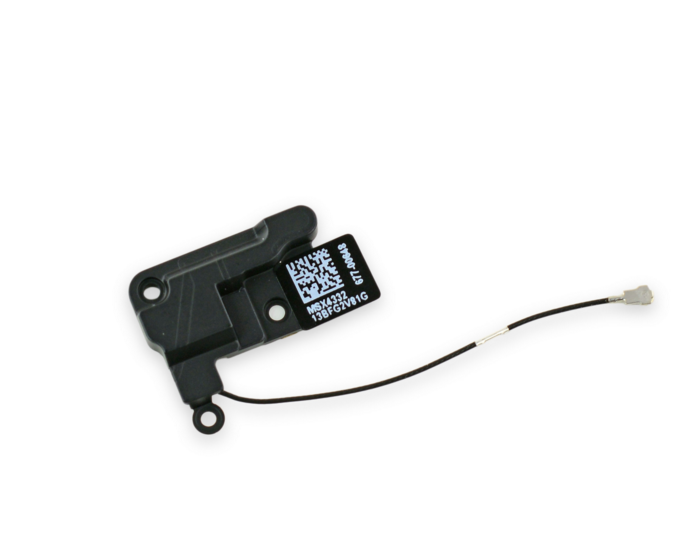
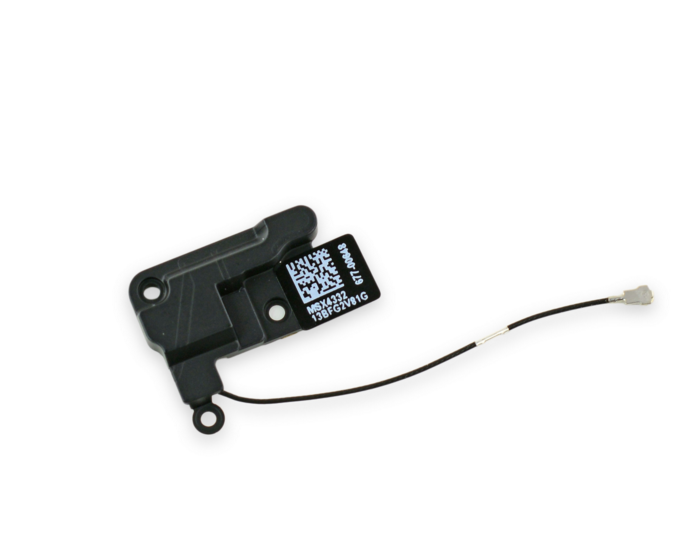
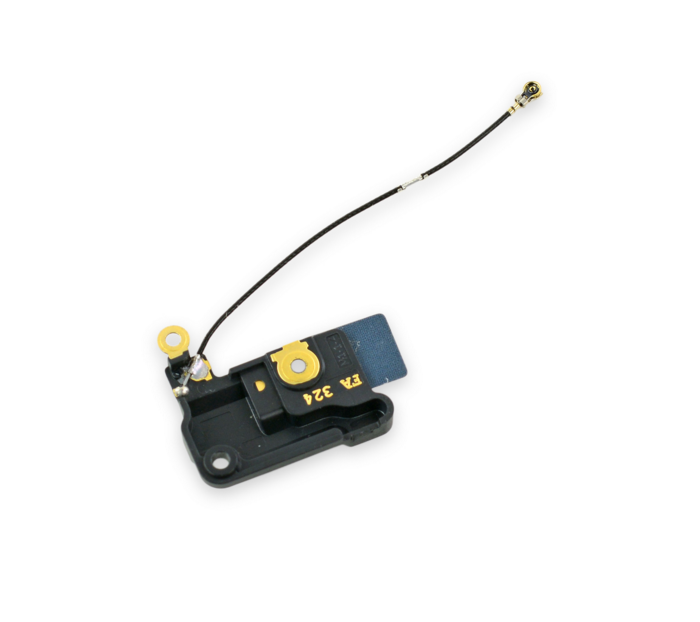
This antenna in the iPhone 6 Plus is responsible for picking up Wi-Fi signals.
Remove the following screws securing the antenna bracket to the rear case:
One 1.5 mm Phillips #00 screw
One 2.8 mm Phillips #00 screw

Grasp the 5GHz Wi-Fi antenna bracket with a pair of tweezers and lift it off the iPhone.

Carefully pry the 5GHz Wi-Fi antenna connector up off the logic board with a plastic opening tool.

Grasp the 5GHz Wi-Fi antenna connector with a pair of tweezers and gently lift it from its retaining clip on the logic board.


The two connectors may be coupled by a single adhesive tab. If this is the case, then they may detach as a pair.
Disconnect the power button cable and audio control cable connectors from their respective sockets on the logic board.


Remove the following screws securing the 5GHz Wi-Fi antenna to the rear case:
One 2.8 mm Phillips #00 screw
Two 1.6 mm Phillips #00 screws

Use a pair of tweezers to grasp and remove the 5GHz Wi-Fi antenna out of the iPhone.
During reassembly, make sure to place the small washer in the top left corner of the 5GHz Wi-Fi antenna.


