


TEL:0086-20-81277640

 Add To Shopping Cart
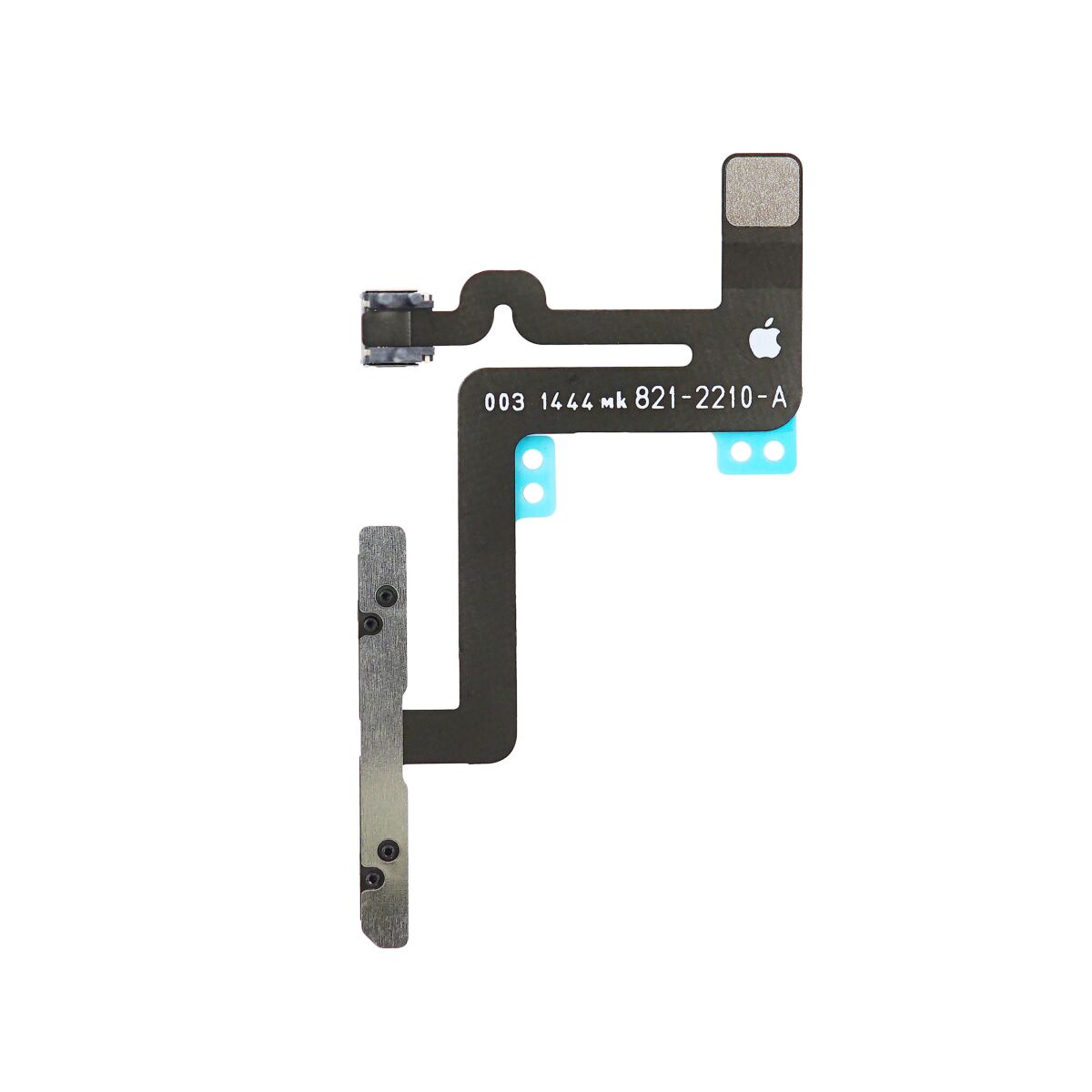
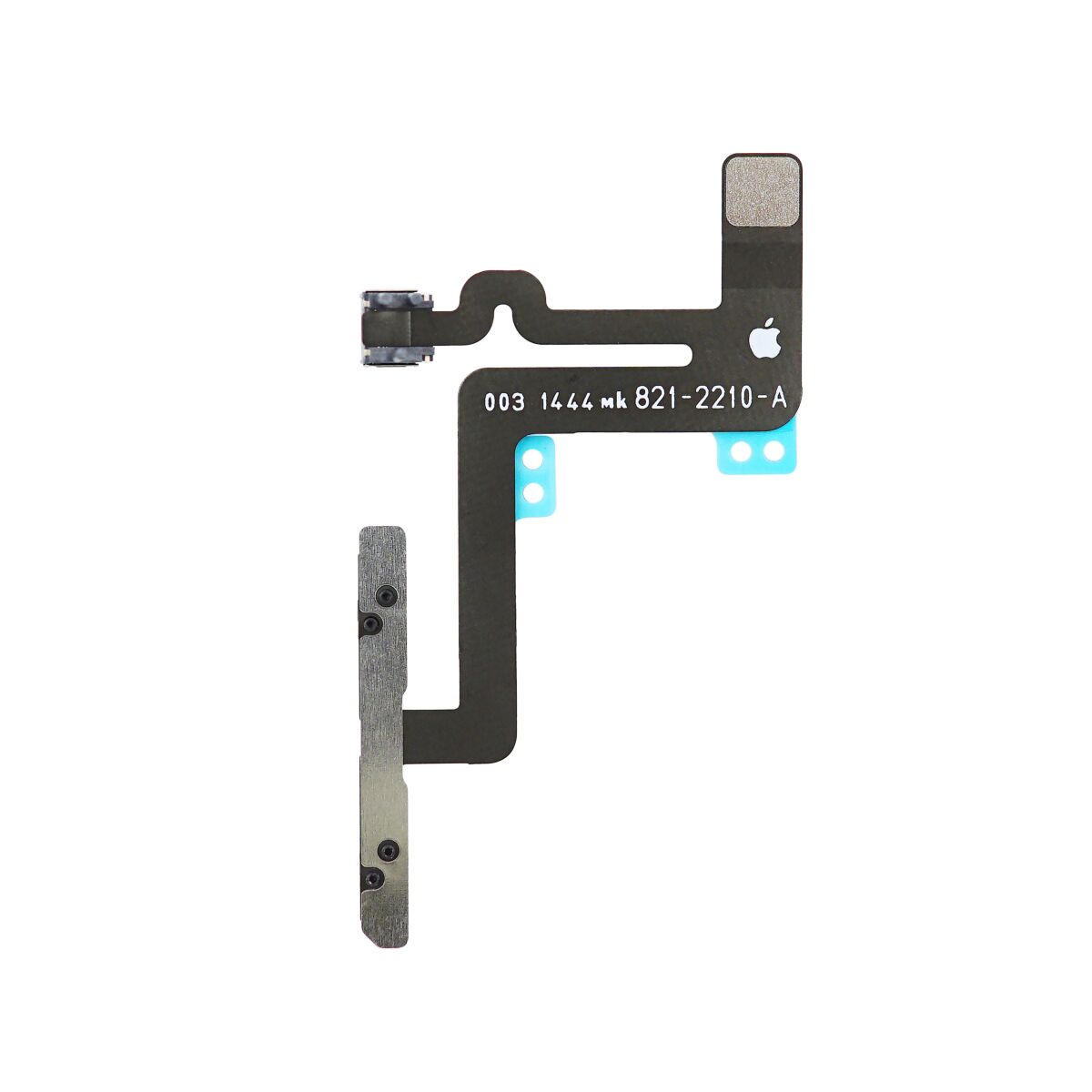
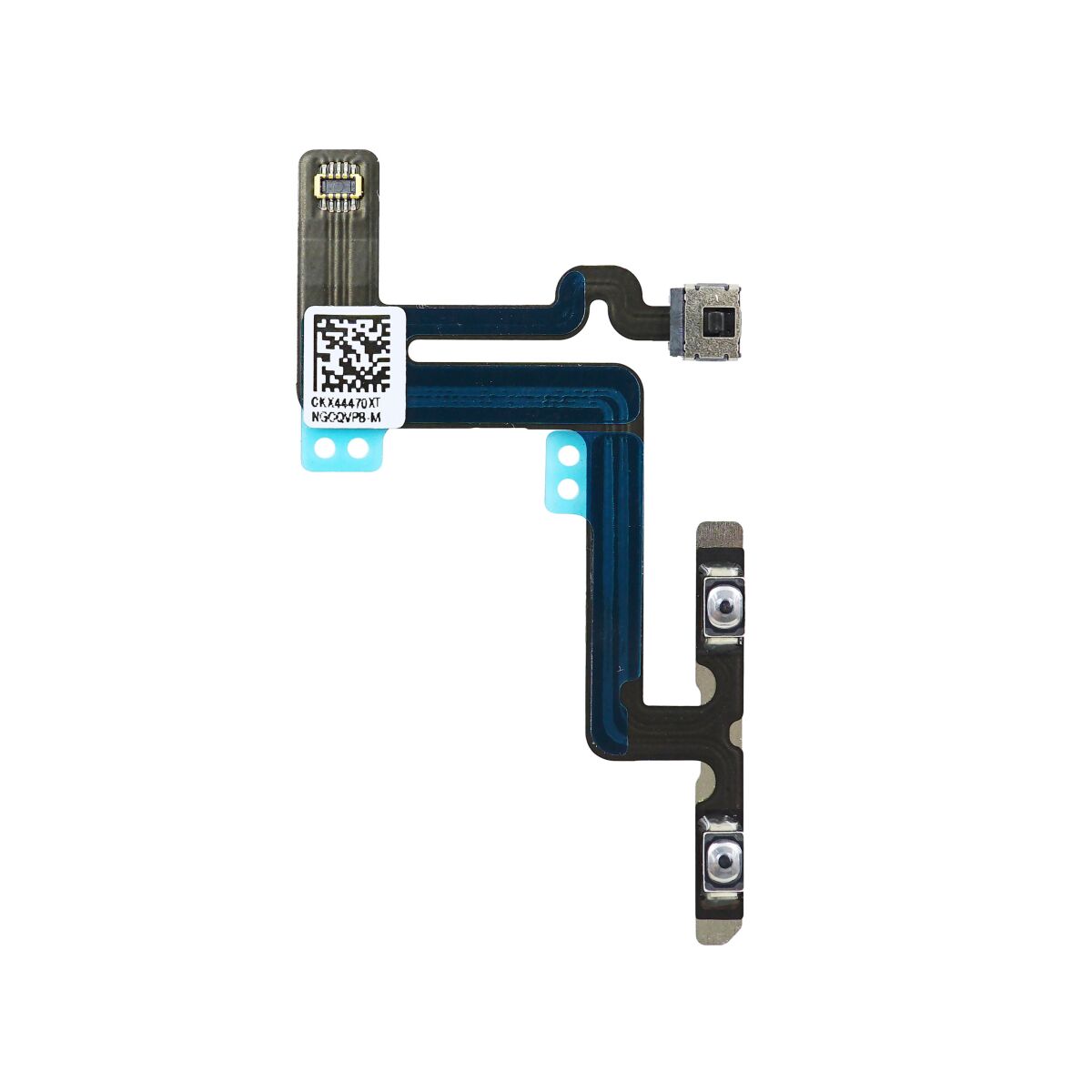
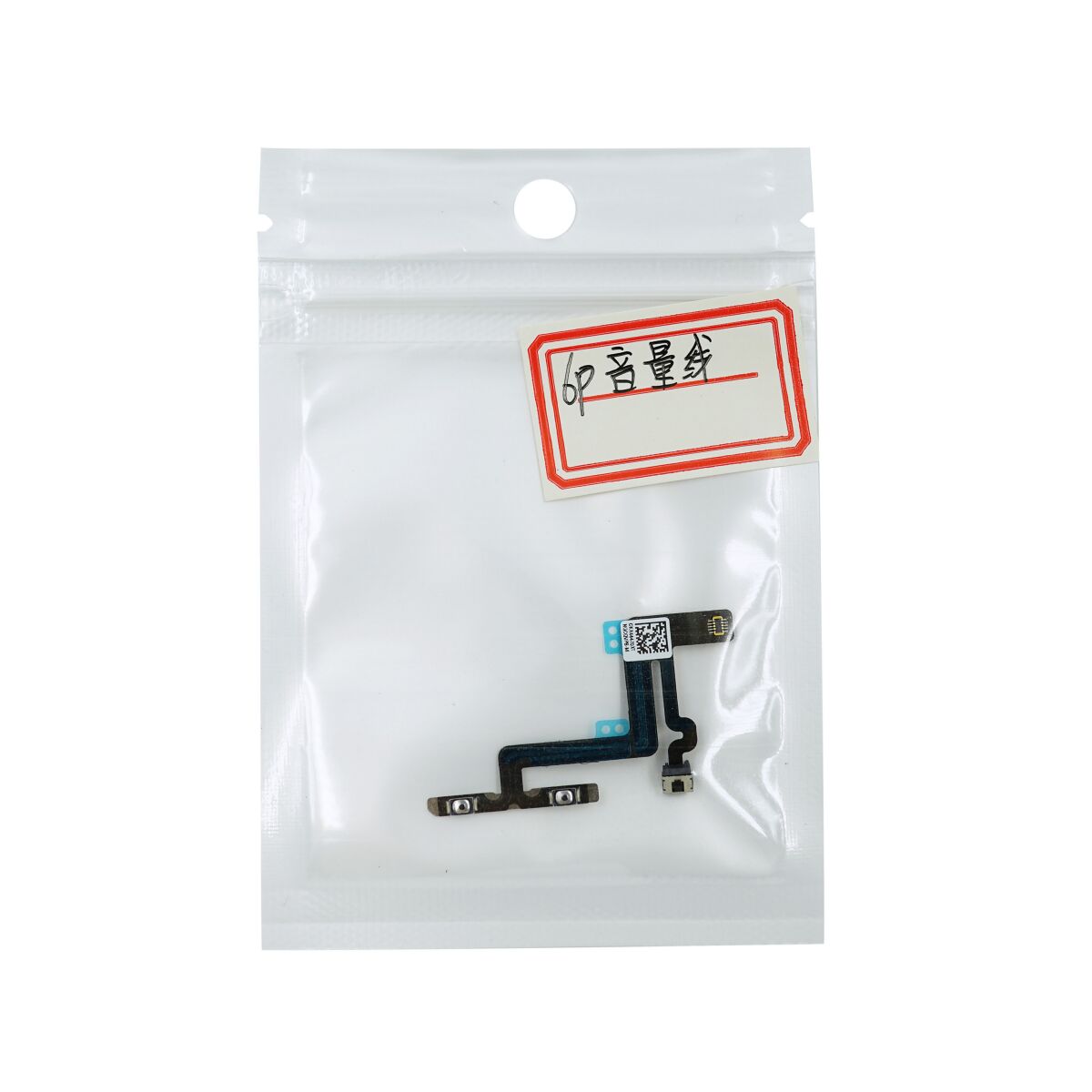
Use this guide to replace the audio control and rocker switch cable.
Remove the following screws securing the antenna bracket to the rear case:
One 1.5 mm Phillips #00 screw
One 2.8 mm Phillips #00 screw

Grasp the antenna bracket with a pair of tweezers and lift it off the iPhone.

Carefully pry the antenna connector up off the logic board with a plastic opening tool.

Grasp the antenna connector with a pair of tweezers and gently lift it from its retaining clip on the logic board.


The two connectors may be coupled by a single adhesive tab. If this is the case, then they may detach as a pair.
Disconnect the power button cable and audio control cable connectors from their respective sockets on the logic board.


Remove the following screws securing the top cellular antenna to the rear case:
One 2.8 mm Phillips #00 screw
Two 1.6 mm Phillips #00 screws

Use a pair of tweezers to grasp and remove the top cellular antenna out of the iPhone.
During reassembly, make sure to place the small washer in the top left corner of the antenna assembly.


Use a pair of tweezers to peel the single adhesive tab that resides on top of both the power button and audio control/rocker switch cable connectors.


Remove the following screws securing the audio control and rocker switch cable to the rear case:
Two 2.0 mm Phillips #00 screws
One 2.5 mm Phillips #00 screw

Grasp the audio control and rocker switch cable with a pair of tweezers.
Slowly peel the audio control and rocker switch cable off the rear case.
Peel with care. The cable is secured to the rear case with mild adhesive.


